Faster Loading
Game assets cache locally after first load, so titles you play regularly open almost instantly instead of re-downloading art and audio each session.
 The Winner’s Circle
APK Latest Version · ~40 MB
Get the official YY app in under three minutes. This page walks through installation on Android and iOS, covers the permissions Android will ask for and why, and troubleshoots every failure point we see.

Gate by Gate
Five gates from a cold start to your first spin. Android will ask for one permission along the way — we explain exactly what it is and why it appears.
Use any download button on this page. Your browser starts fetching the official YY APK — roughly 40 MB, so a few seconds on a normal connection. Chrome may show a brief "this type of file can harm your device" notice; this appears for every APK downloaded outside the Play Store and is not specific to us.
Open the downloaded file. Android will ask permission to install from this source. Tap Settings, enable the toggle for your browser, then return. You grant this once per browser and it does not give the app any access to your data — it only permits installation.
Tap Install and wait a few seconds. The YY Game icon appears in your app drawer when it completes. You can safely delete the downloaded APK afterwards; the installed app does not need it.
Open the app and create an account with your mobile number and the OTP you receive. Set a strong password, then turn on two-factor authentication in settings straight away — it takes thirty seconds and it is the best protection your balance has.
Add funds through UPI, net banking or wallet. Your welcome package — worth up to ₹10,000 — is credited automatically. Open the promotions tab and read the wagering terms before you opt in.
Apple Devices
iOS does not permit app installation outside the App Store, and real-money gaming apps face heavy App Store restrictions in India. The solution is a progressive web app — a full-screen install that behaves like a native app without going through the store.
It is genuinely equivalent for daily use: its own home-screen icon, full-screen display with no browser chrome, and the same game library and wallet as the Android build. The only practical difference is how you install it.
The Add to Home Screen function exists only in Safari. Chrome and Firefox on iOS cannot create a web app install, so start there.
The share icon — a square with an upward arrow — sits in the toolbar at the bottom of the screen on iPhone, or the top right on iPad.
Scroll the share sheet and select Add to Home Screen. Confirm the name, tap Add, and the YY icon appears alongside your other apps.
Open it from the home screen for the full-screen experience, then register with your mobile number exactly as on Android.
Device Compatibility
Almost certainly. The YY app is deliberately built for mid-range hardware rather than flagships. Here are the actual requirements.
| Platform | Minimum | Recommended | Notes |
|---|---|---|---|
| Android | Android 6.0 (Marshmallow) | Android 10 or newer | APK install; allow installs from your browser once |
| iOS / iPadOS | iOS 13 | iOS 15 or newer | Install as a web app through Safari |
| RAM | 2 GB | 4 GB or more | Live dealer streams benefit most from extra memory |
| Free Storage | 150 MB | 500 MB | Cached game assets grow with the titles you play |
| Connection | 3G | 4G, 5G or Wi-Fi | Slots run fine on 3G; live tables want 4G upward |
| Screen | 720 × 1280 | 1080 × 1920 or higher | Portrait and landscape both supported |
Desktop browsers are supported for browsing the lobby, but the platform is built mobile-first and the app experience is materially better.
App vs Browser
The mobile site works. The app is simply better in five specific, measurable ways.
Game assets cache locally after first load, so titles you play regularly open almost instantly instead of re-downloading art and audio each session.
The app manages reconnection intelligently when your signal fluctuates. A browser tab drops the session; the app resumes it, which matters most mid-round at a live table.
Several promotions — daily check-in streaks, mission rewards and push-delivered bonus codes — are available only through the installed app.
Device binding ties your session to a recognised handset, a protection that browser sessions cannot offer in the same way.
Cached assets mean substantially less data consumed over a month of regular play — a meaningful difference on a limited plan.
No browser chrome eating vertical space. On a phone screen, that reclaimed area is the difference between a cramped table and a comfortable one.
Preview
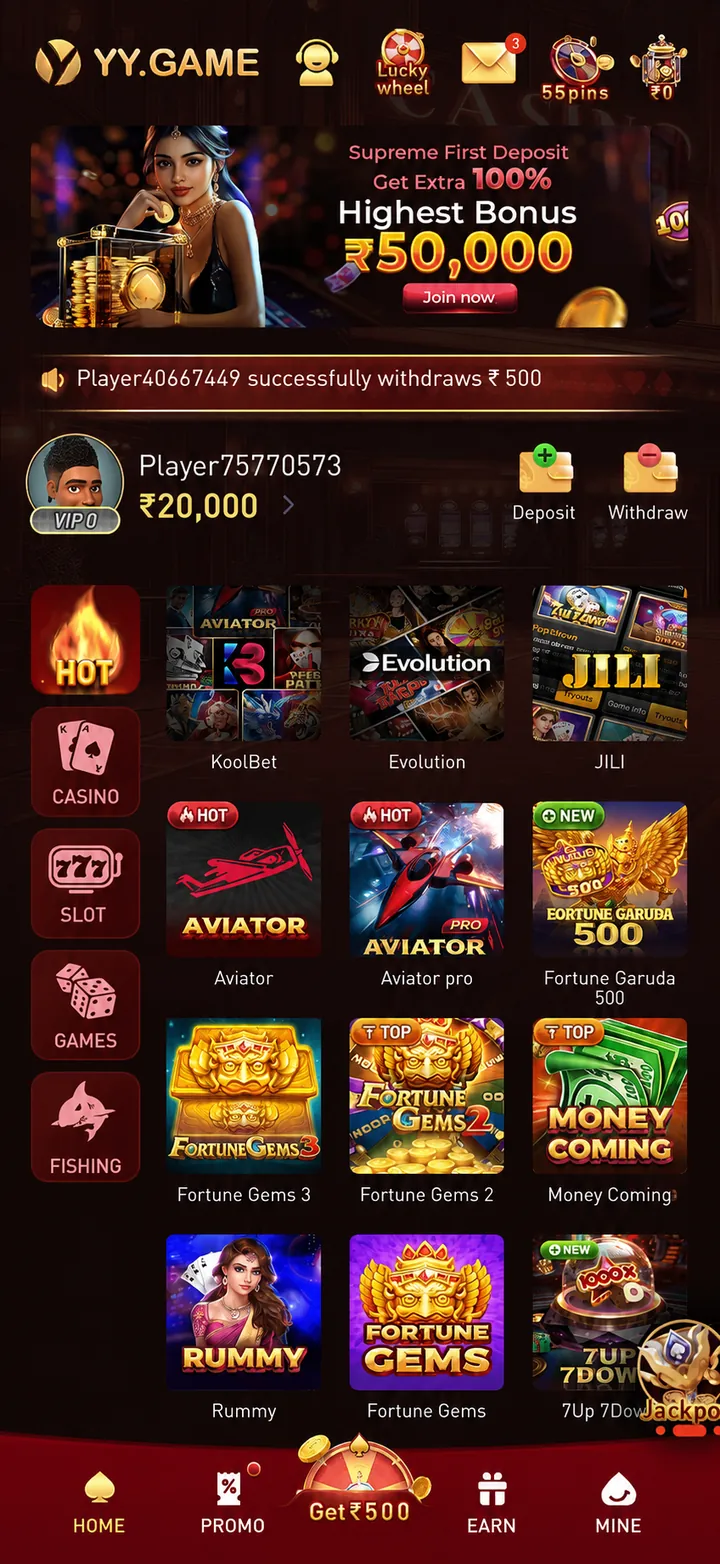
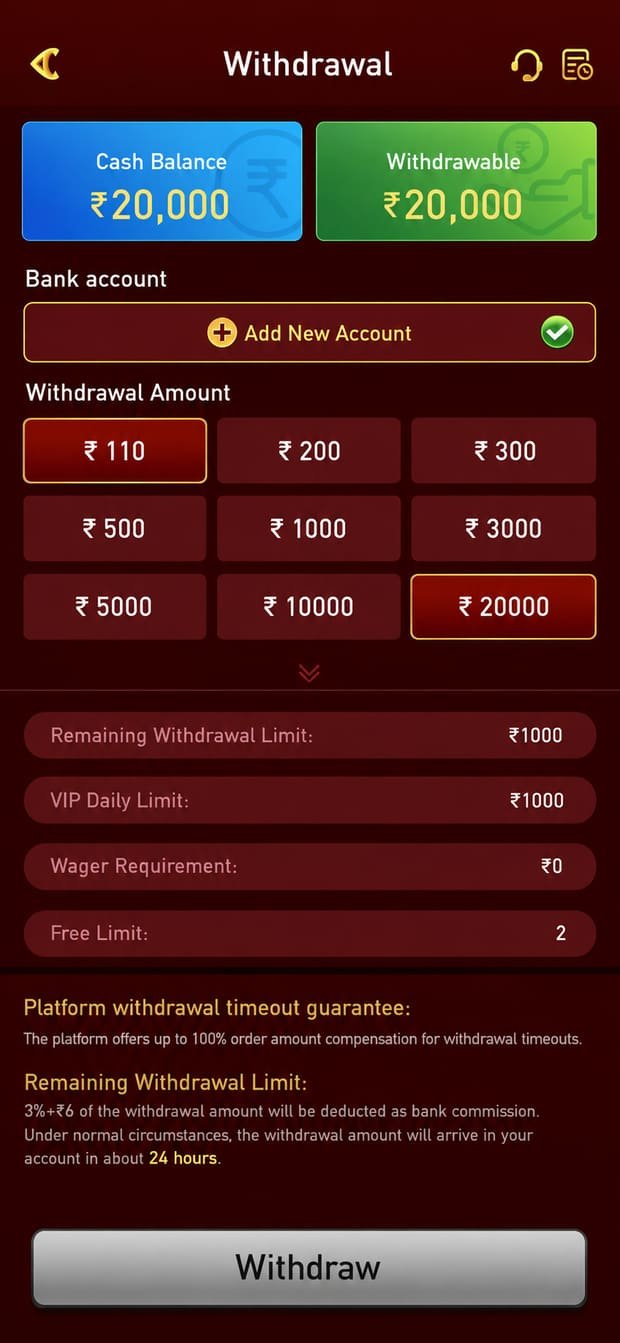
Real screens from the current YY app build.


Troubleshooting
Every failure point we actually see, and how to clear it.
No. Android shows that notice for every APK downloaded outside the Play Store, regardless of source, because Google cannot verify files it did not distribute. It is a generic warning, not a detection of anything in the file.
That said, the caution behind it is sound: only ever install an APK from a source you trust. Download the YY app from the official link on this site, and never from a file-sharing site, a forwarded message or a third-party APK mirror.
Android needs one permission before it will install an app delivered outside the Play Store. When the block appears, tap Settings in the dialog, find the toggle named "Allow from this source" or "Install unknown apps", and enable it for the browser you downloaded with. Go back and the install proceeds.
You grant this once per browser. It does not give the app access to your files, contacts or messages — it only permits the installation itself.
An incomplete download is the usual cause. Delete the partial file from your Downloads folder and start again, ideally on Wi-Fi rather than a fluctuating mobile signal.
If it still fails, check available storage — you need roughly 150 MB free for the download and install combined. Clearing your browser cache resolves a stubborn minority of cases.
Yes, as a web app. iOS does not allow app installs outside the App Store, and real-money gaming apps face heavy store restrictions in India, so we deliver a progressive web app instead.
Open the site in Safari specifically, tap the Share icon, then Add to Home Screen. You get a home-screen icon and a full-screen experience with the same games and wallet as Android. Chrome and Firefox on iOS cannot do this — it must be Safari.
The app notifies you when an update is available and can fetch it directly. If you prefer a manual update, download the current APK from this page and install it over the existing app — your account, balance and settings are preserved.
Do not uninstall first. Installing over the top keeps your local data; a clean uninstall clears cached assets and means re-downloading them.
The app is free to download and free to install, with no subscription. There are no third-party advertisements inside it — the only promotional content relates to YY Game's own bonuses and new titles.
Real-money play obviously requires a deposit, but you can install, register and browse the entire library without depositing anything.
Yes. Android tablets install the same APK, and iPads use the same Safari web-app route. The interface adapts to the larger screen and live dealer tables in particular benefit noticeably from the extra display area.
Check first that your mobile number was entered with the correct country code and that the OTP has not expired — codes are short-lived and requesting a fresh one usually resolves it.
If the OTP is not arriving at all, confirm your signal and that the number is not blocking service messages. Should it persist, contact the Telegram help desk; they can verify the account state directly and respond at any hour.
Stuck?
Installation trouble goes to the Help Desk. Promo codes and new-game announcements live in the Members’ Circle.
Channel One
Something not working? A question about your account, a deposit that has not landed, or an install that will not complete? This is the direct line to a human being. Our help desk is staffed around the clock and answers in English and Hindi.
Channel Two
A completely separate channel — this one is for news, not support. Daily promo drops, new game announcements, bonus codes, tournament schedules and the community of players who follow them. No support tickets here; head to the Help Desk for those.
The official YY app, 105+ games, instant UPI payouts and a welcome package waiting on your first deposit.
18+ only · Bonus subject to wagering requirements · Please play responsibly